No prompts. No generation. Just real art skills. 🛡️
By the creators of Drawize—helping 10M+ people draw
Your Interactive Art Mentor
Draw an ∞ on the canvas — I'll give you interactive guidance on your technique and show you how to improve!
TEST OUR CORE LOGIC ENGINE: Can Luna judge your warm-up?
This is a quick warm-up exercise. The complete Academy experience features a professional drawing interface with step-by-step guided lessons, multi-stroke feedback, and a rich toolset. See how it looks ↓
Reclaiming the human in the digital age
Master the Skill of Drawing with anInteractive AI Mentor
Stop prompting and start practicing. Choose active learning over passive generation and build manual talent that stays with you forever.
- ✓
Structural Analysis
Watch Luna catch perspective and occlusion errors in real-time.
- ✓
Integrated Theory
Short, visual lessons on the "why" behind every stroke.
- ✓
Professional Canvas
A rich interface designed for deep learning, not just doodling.
Create a free account to start your first lesson in 10 seconds.
Read the FAQLuna isn't here to generate art—she's here to help you become the artist.
What is Drawize Academy?
Drawize Academy is a practice-first way to learn how to draw. Lessons are split into small, focused steps so you always know exactly what to do. You draw the step, submit, and get instant interactive guidance on what to refine - then resubmit until it passes.
It’s not a video course; it’s guided, hands‑on practice. We focus on foundations (lines, forms, proportions) and tight feedback loops that build skill quickly. Your progress is saved across lessons and devices.
Perfect if you…
- 💭
Think you "can't draw" but secretly wish you could
- 📹
Tried YouTube tutorials but didn't know if you're doing it right
- 🎯
Want small, focused exercises instead of long videos
Not another video course
- ✓
Draw, submit, get feedback instantly
- ✓
Short steps, clear goals
- ✗
No 2-hour video lectures
Lesson Previews
See how drawings evolve step by step. These mini replays show artist solutions you can later practice yourself.
Your First Drawing: A Magical Mushroom
PreviewSketching an Apple
PreviewSketching a Coffee Mug
PreviewStructured steps
Each lesson is broken into clear incremental tasks so you always know what to do next.
Immediate feedback
Submit, read the response, improve. Tight loops accelerate skill acquisition.
Practice efficiency
No boring tutorials—just hands-on practice until you learn how to draw.
No Generation. Just Education. 🛡️
100% Human-Drawn
You do the drawing; we provide the eyes.
Analytical, Not Generative
Luna never generates images. She only offers live drawing insights to help you improve.
Skill You Keep
We help you build talent that stays with you forever.
How It Works
Think of Luna like a GPS for your pencil. She analyzes your manual strokes and catches mistakes in perspective and form instantly. You hold the pencil, she provides the drawing analysis, and you build real muscle memory.
- 1
Create a free account
No payment. No waitlist during public beta.
- 2
Open a lesson & follow the step prompt
Each step focuses on a single drawing action or refinement.
- 3
Submit your attempt
Receive concise guidance on what to adjust—then fix it.
- 4
Iterate until the step passes
Resubmit improved versions; fast feedback tightens learning.
- 5
Move through the lesson
Finish all steps to complete the lesson; more lessons are added over time.
I'll guide you every step! 🎯
Create a free account to start your first lesson in 10 seconds.
AI Is Not an Artist.
Most AI today takes the pencil away from the human. We're doing the opposite.
Luna is not here to create art—she is there to help create the artist.
By acting as a digital mirror for your technique, our Pedagogical Logic Layer catches your perspective and occlusion errors in real-time. We provide the eyes; you provide the soul.
Featured courses
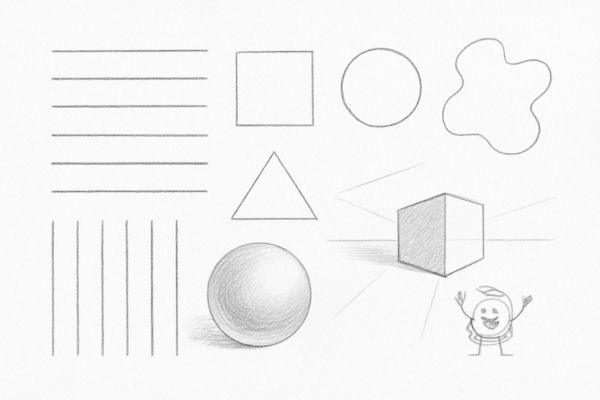
Practice course
Get the grip in your hand and practice your artistic skills
View Course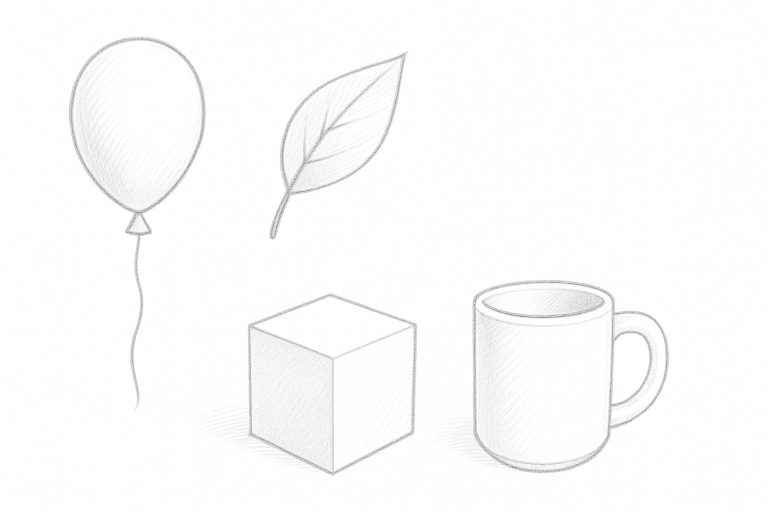
Sketching Essentials – Lines, Shapes & Light
Learn the foundations of drawing—clean lines, confident shapes, perspective, and light & shadow—through bite-size, hands-on lessons. Draw directly on our digital canvas and get instant AI feedback at every step. By the end, you’ll sketch everyday objects and complete a polished still life with believable form and depth.
View Course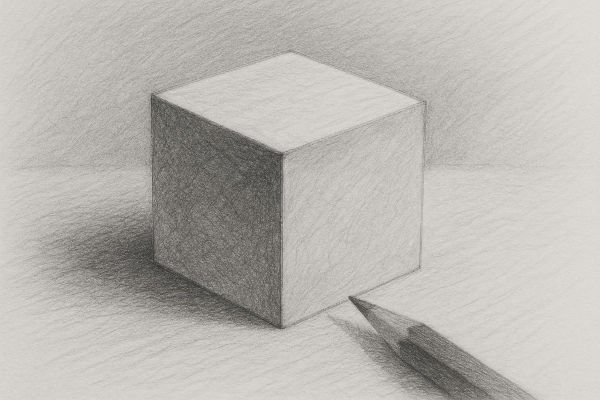
Foundations of Pencil Drawing: From First Stroke to Mastery
Learn real-world pencil drawing using our realistic digital pencil for guided practice.
View CourseWhat to Expect
Transparent pricing. Clear process. Real results.
Start with FREE Trial
Try the first lesson completely free. No credit card. No commitment. See if our approach works for you.
Early Access Special
Regular price $39 — Get 50% early access discount for just $19.50. Price returns to $39 after early access period.
✓ Interactive guidance included
Focused Practice
Each lesson broken into 5-10 minute steps. Draw, submit, get instant drawing analysis, improve, repeat. Real practice, not passive watching.
$19.50 Lifetime Access (50% Off $39)
Help us shape the future of drawing education. Regular price is $39 — Early access users get 50% off at just $19.50. Price returns to $39 when we exit early access.
No credit card required. Setup takes 10 seconds.
Roadmap Snapshot
- More fundamentals modules
- Project lessons (planned)
- Progress dashboard (planned)
- Optional premium tiers later
Details may evolve based on early user feedback.
Best devices for the course
A tablet with a stylus (or a pen display / graphics tablet) gives the best control. A mouse works, but precise lines are harder.
If you plan to practice regularly, consider a dedicated pen input device.
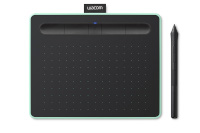
Wacom Intuos (Small, Bluetooth)
Reliable starter pen tablet.
View on Amazon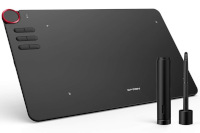
XP-Pen Deco 01 V2
Larger active area value pick.
View on Amazon
Huion Kamvas 13 (Display)
Draw directly on screen.
View on Amazon
iPad + Apple Pencil
Portable & versatile option.
View on Amazon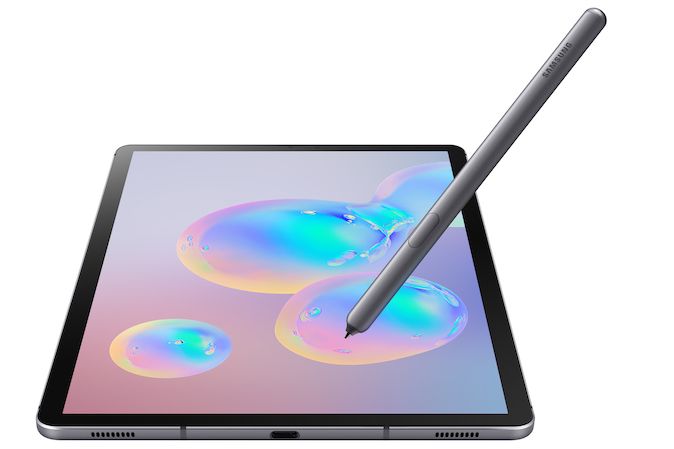
Android Tablets (Stylus)
Many capable models.
View on AmazonAs an Amazon Associate, we may earn from qualifying purchases. Prices and availability are subject to change.