How we use demonstrations, practice and AI feedback in our art learning system to enable students to learn to draw by making their own drawings. We also explain where generated teaching materials are used in the learning process of Drawize Academy.
A useful drawing lesson is not just something you can look at and then throw away. It should have more value for you even after a few hours. You start to notice proportions you haven’t seen before, you understand why a line ends where it does and you even start wanting to try drawing something similar yourself.
The purpose of Drawize Academy is to enable you to learn and practice to the extent that you are able to observe, decide upon and draw things by yourself using the appropriate tools. Our tools support you in your practice but you are responsible for making the marks yourself.
Where AI fits into the learning
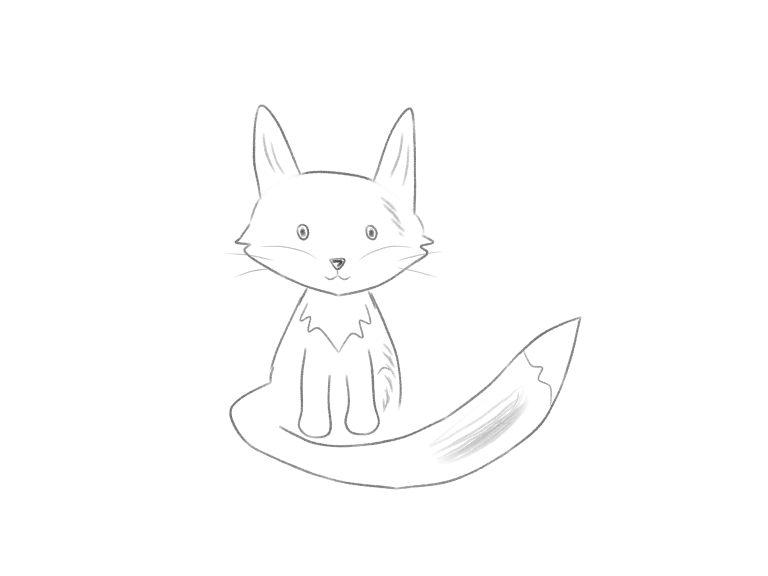
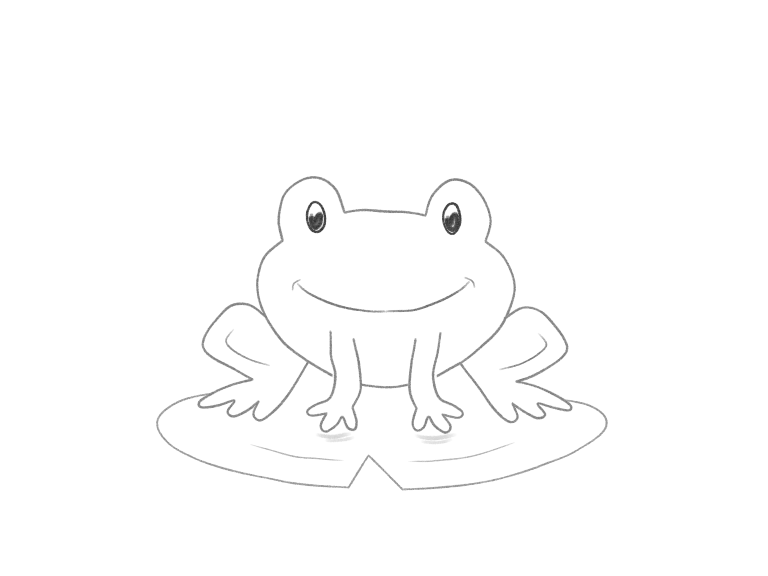
The course content, including some of the teaching content and drawing demonstrations (e.g. Draw Cute Animals), has been prepared using tools including AI. The Draw Cute Animals demonstrations are AI-generated with the same native pencil and eraser tools available in the lessons. The authorship of such content is identified in the relevant course information.
A demonstration is something for you to study. This can be the order of forms, the placement of a certain feature or a small erasing gesture. The value of a demonstration is determined by whether it clearly conveys choices and whether the drawings shown at the various checkpoints are correct according to the instructions.
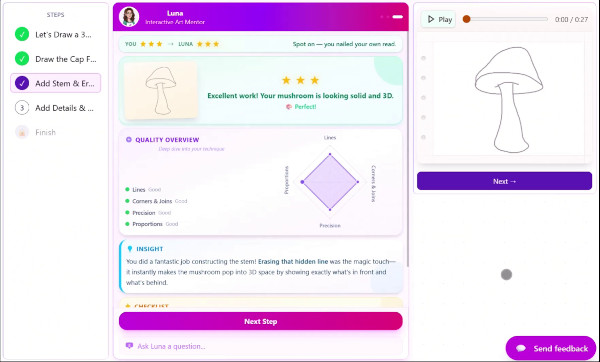
Drawize Academy also uses AI for the feedback it gives you on your attempts. This feedback can be of great value and show you relations you haven’t seen before, or even give you an excellent starting point for the next attempt. But be aware that AI can miss something or even misinterpret your drawing. An automated check doesn’t equal human teacher feedback, and a score doesn’t equal a verdict on your creativity.
Watch with a question, then draw
Watch a demonstration replay with a question in mind before you start drawing. For example, in the sleeping cat video, look at how the small head of the cat is in relation to the large body. In the frog video, look at where the lily-pad outline disappears behind a foot.
Pause the replay and draw that part yourself, keeping your question in mind such as how does the smaller head rest against the front of the larger body? How do you draw a curved line that, although slightly uneven, still manages to define a form? What connection between two forms makes sense, and how do you make that connection before adding all sorts of decoration?
Free illustrated tutorials to learn how to draw in a more in-depth and guided way. Our Guided courses take the form of lesson canvases, where you can work through a series of steps to create a drawing. You can also get feedback on your progress at check points, and save your work to come back to later.
Give a difficult decision its own practice
For the times when you can’t see what needs to change within your completed drawing, focus on a very simple activity to help isolate one feature of what you just drew. This could be drawing a halfway point between two ends of a line, joining two ends of a drawn line, or even drawing an ellipse within a plane. Use these simple activities and then apply what you learned to the relevant part of your subject drawing.
The drawing exercises on this site measure particular aspects of geometry in the browser in which you are using the site. These measurements address a narrower question than that which is addressed by feedback on sketching, for example: How round is this shape? or Is this line aligned? (as opposed to: Does this character look good?).
Use feedback to choose the next attempt
Rate My Sketch offers AI feedback on the technique of your already finished sketches. Compare a suggestion with your drawing before acting on it. Use this feedback to make one or more new versions of your sketch and use this tool again on your new sketches. Do not have to use all the feedback, just choose one point that will help you the most to make progress.
You will learn enough to start drawing to make your own decisions along the way – try a different expression, a shorter ear or even rounder body for example while still maintaining the relationship you learned about through that lesson.
Choose something to draw
Start with a free tutorial to get you going. Add feedback and focused exercises as needed!

Drawize Academy
The Founder of Drawize Academy. Originally creator of the Drawize game, a simple online game which has served over 10 million players.